English
 French
 Spanish

If you're managing food safety documents, preparing for your SQF or BRC audit, or trying to keep your team from using outdated procedures, you need software that actually controls your documents. Not just store them. Control them.
Here's what that means in practice. When you update your sanitation procedure, the old version disappears from daily use but stays in the system for records. When someone needs approval, the document automatically goes to the right people in the right order. When the auditor asks questions, you have answers in minutes, not hours. When production needs the current HACCP plan, they get the current HACCP plan, not the one from two revisions ago.
This guide looks at the best document management software based on what actually matters during audits and daily operations: keeping only current versions accessible, tracking every approval with names and dates, making old versions available for review but not for use, showing complete history when auditors ask, preventing unauthorized changes to controlled documents, and making it easy for your team to find what they need.
Which Are The Best Document Management Software
1. Smart Docs
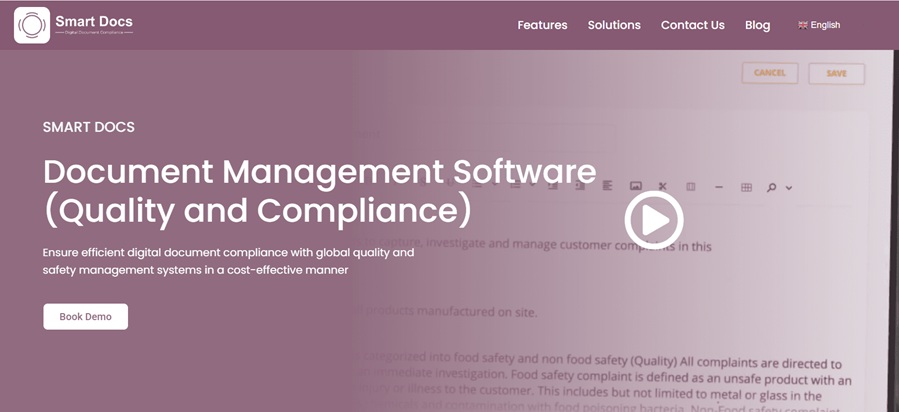
Smart Docs solves the everyday headaches that quality managers deal with when managing food safety documents.
You know how production sometimes uses an old version of a cleaning procedure because someone saved it to their desktop six months ago? Smart Docs fixes that. When you approve a new version, the old one automatically becomes view-only in the archive. Your team can only access the current approved version for daily work. They literally cannot use the wrong version by accident.
Here's how it works in practice. Let's say you need to update your allergen control procedure. You make the changes in Smart Docs. The system automatically sends it to whoever needs to review it, maybe your production manager first, then your quality director. Each person gets a notification. They review it, approve it with their electronic signature (which includes the date and time), and it moves to the next person. Once everyone approves, it gets published. The old version moves to the archive automatically. Everyone who needs the new procedure can access it immediately.
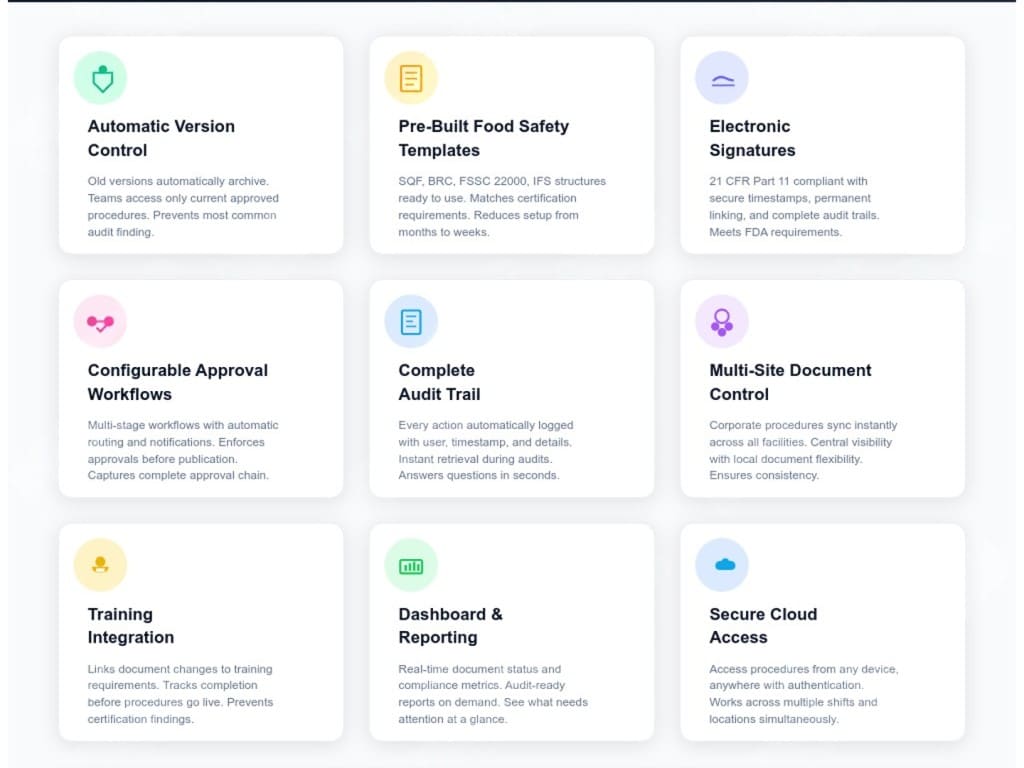
Key Features
2. MasterControl
Master Control handles document control for larger manufacturers who need validated systems and tight integration between documents and quality processes.
Key Features:
- Validated electronic signature system – Meets strict FDA requirements for manufacturers who need proven, validated systems
- Automatic training when documents change – Links procedure updates to training records, tracking who needs to be retrained
- Role-based access control – Restricts document access and editing based on job roles and responsibilities
- Time-stamped approval records – Captures detailed approval history with dates, times, and electronic signatures
- Connected to quality events – Links documents to investigations, corrections, and other quality activities
- Templates for manufacturing – Includes ready-made structures for manufacturing quality and food safety
3. M-Files
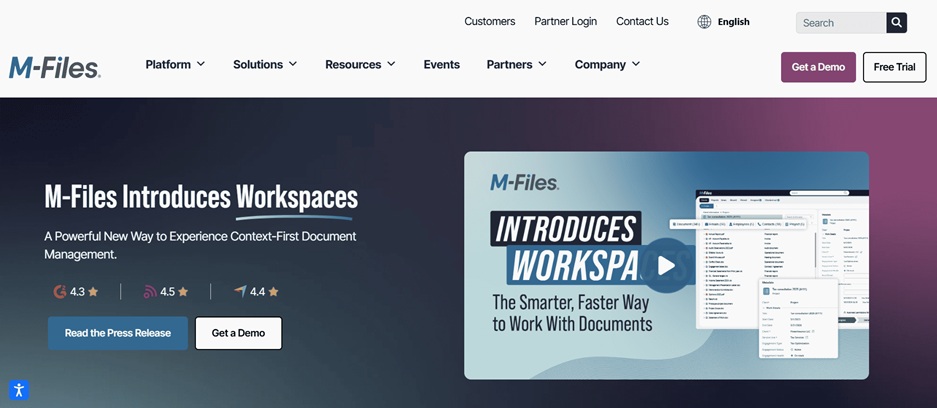
M-Files organizes documents using tags and properties rather than folders, helping companies find documents based on what they are rather than where they're stored.
Key Features:
- Tag-based organization – Find documents by customer, project, or document type instead of digging through folders
- Smart permission controls – Sets access based on document properties and current status
- Complete activity tracking – Records who viewed, edited, or downloaded documents
- Automated routing – Sends documents to the right people automatically with deadline reminders
- Works with existing storage – Connects to your current file systems without moving everything
- Suggestions based on content – Recommends tags and related documents using pattern recognition
4. DocuWare
DocuWare helps businesses eliminate paper by scanning, storing, and routing documents through approval processes.
Key Features:
- Automatic document scanning – Captures paper documents and pulls out key information automatically
- Custom approval builders – Creates approval processes matching your business needs without programming
- Business system connections – Links to accounting, inventory, and other business software
- Mobile document access – Review and approve documents from phones and tablets
- Cloud or on-site options – Choose between cloud hosting or keeping everything on your servers
- Digital signature support – Adds secure signatures to contracts and approvals
5. ComplianceQuest
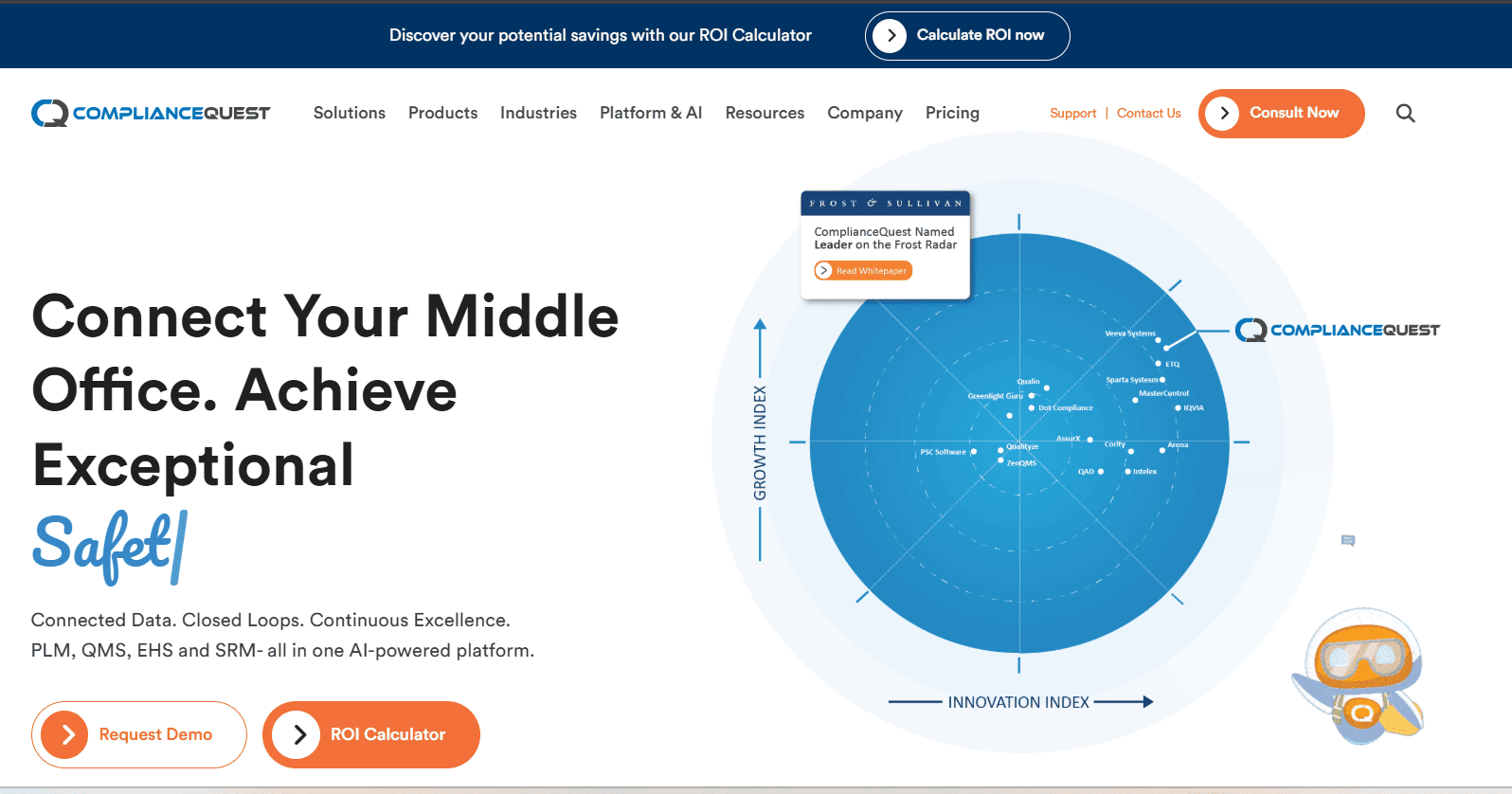
ComplianceQuest manages document control as part of a larger quality management system for manufacturers operating multiple facilities.
Key Features:
- Manufacturing standards support – Built-in structures for ISO 9001, ISO 13485, and aerospace standards
- Change control integration – Links document changes to formal change management processes
- Risk-based document levels – Applies different control strictness based on document importance
- Supplier document tracking – Manages certificates, specifications, and agreements from suppliers
- Quality metrics dashboards – Shows document status, approval times, and activity across facilities
- Multi-site management – Controls documents across multiple plants from a central system
6. Laserfiche
Laserfiche combines document storage with workflow automation for accounting firms and legal offices managing large document volumes.
Key Features:
- Retention schedule management – Automatically keeps and deletes documents based on retention rules
- Electronic forms and workflows – Replaces paper forms with digital versions that route automatically
- Powerful search tools – Finds documents using text search even inside scanned papers
- Legal hold capabilities – Freezes documents for lawsuits while tracking access
- Regulatory reports – Shows document control and retention for audits
- Flexible hosting – Available as cloud service or installed on your servers
What Different Systems Actually Do Better
When you compare these systems based on what matters during daily operations and audits, some clear differences appear.
Keeping versions straight
Smart Docs automatically archives old versions when new ones are approved. Your team only sees current documents when they're working. Previous versions stay in the system for history but are clearly marked as archived. This prevents the most common document control problem – people using outdated procedures.
Proving who approved what
The big question during audits: "Show me who approved this change and when." Smart Docs captures electronic signatures with dates and times at each approval step. You can see the complete approval path from draft to published.
Supporting your certification program
Smart Docs includes pre-built folder structures for SQF, BRC, FSSC 22000, and IFS. When you start using it, you can choose your certification program and the folder structure appears already organized. This matches what auditors expect and saves setup time.
Getting information during audits
Smart Docs provides dashboards showing which documents are current, which need approval, and which are due for review. The activity log shows every action anyone took with documents. During audits, you can show this information immediately.
Controlling access
Smart Docs uses role-based access. Document authors can't approve their own work. Approvers only see documents waiting for their approval. Production users see published procedures but can't modify controlled documents. The document administrator sets these rules once and the system enforces them.
Working across multiple locations
Smart Docs handles multi-location companies from one system. Corporate food safety procedures are available at all plants immediately. Individual facilities can maintain location-specific work instructions while everyone sees the same core procedures. For dairy plants operating multiple facilities, this ensures consistent pasteurization procedures while allowing site-specific cleaning schedules.
How to Choose the Right System for Your Operation
Pick document management software by thinking about real situations you face, not just feature lists.
How often do auditors visit?
If you have SQF audits annually, BRC every year, and customer audits quarterly, you need a system where you can pull up approval histories and document changes instantly. Can you show the auditor who approved your allergen procedure in under a minute? Can you prove which version was active six months ago?
Smart Docs is built for this. The audit trail captures everything automatically. When auditors ask questions, you have immediate answers. For food manufacturers facing regular certification audits, this audit-readiness matters daily.
How many documents change each month?
If you're updating 30–40 procedures per month with multiple people needing to approve each one, the approval workflow needs to work smoothly. Otherwise, you'll have documents stuck waiting for approvals and production working with outdated procedures.
Smart Docs routes documents automatically through your approval steps. Each approver gets notified. The system tracks what's waiting and who's holding things up. For companies with frequent procedure updates—such as constant sanitation changes or formulation updates—smooth workflow prevents bottlenecks.
Can you find approval records quickly?
During the audit, the auditor asks: "Show me who approved this cleaning procedure change last May." You need to find that information in minutes, not hours. Can your current system do this? Can a new system do it?
Smart Docs lets you search by document, date, approver, or status. Every approval is captured with names, dates, and electronic signatures. You can pull up any document's complete approval history instantly. For bakeries or chocolate manufacturers managing dozens of procedures, quick retrieval prevents audit delays.
Are people using the wrong version?
The most common document control failure is someone using an old version of a procedure because it was saved to a desktop or shared folder. How can you prevent this?
Smart Docs only shows current approved versions to users. When a new version is approved, the old one automatically becomes archive-only. Your team cannot access outdated versions for daily work. For food manufacturers where using the wrong allergen control procedure could cause serious issues, this prevention is critical.
Is everything being tracked automatically?
Manual tracking fails. People forget to log document access. Changes aren't recorded. Approval emails get deleted. Then the auditor asks questions you can't answer.
Systems should track everything automatically without relying on people to remember. Smart Docs logs every action as it happens—who opened documents, who made edits, who approved changes, and when documents were published.
Do documents connect to training?
When you update your HACCP plan or allergen procedures, affected employees need training on the changes. Can your system identify who needs training and track completion?
Smart Docs links document changes to training requirements. When procedures are updated, training can be assigned to affected staff and tracked. During SQF or BRC audits, you can show that supervisors were trained before implementing new procedures.
What about multiple locations?
Companies operating multiple facilities must ensure consistent corporate procedures while allowing site-specific work instructions. Can you publish a procedure centrally and have it available everywhere immediately?
Smart Docs manages both corporate and site-specific documents from one system. Core HACCP plans apply across all locations, while individual plants maintain their own work instructions. For dairy processors with multiple plants, this ensures consistent pasteurization procedures while allowing site-level flexibility.
How much setup help is included?
Starting with blank folders means weeks of organizing documents and building workflows. Systems with pre-built food safety structures save significant time.
Smart Docs includes folder structures for SQF, BRC, FSSC 22000, and other programs. You start with proven structures and adapt them, accelerating implementation and aligning your system with auditor expectations.
What reports do you need?
Quality managers need visibility. Which documents need approval? Which procedures are overdue for review? Can you demonstrate control to executives and auditors?
Smart Docs provides real-time dashboards and reports. Before certification audits, you can show that all documents are current, reviews are complete, and the food safety program is audit-ready—without last-minute scrambling.
Why Smart Docs Works Best for Food Safety Teams
Smart Docs addresses the specific challenges food safety and quality teams face rather than forcing them to adapt to generic document storage systems.
The approval workflows reflect how food manufacturers actually operate. A HACCP plan may require approval from the HACCP coordinator, plant manager, and corporate quality director in a specific order. Sanitation procedures may only need approval from the sanitation manager. Some documents require additional operational review before quality approval. Smart Docs allows you to configure these workflows once and then routes documents automatically. Each approver is notified when action is required. Approvals include electronic signatures with dates and timestamps, creating the accountability SQF and BRC auditors expect.
Automatic version archiving prevents the most common document control failure: the use of outdated procedures. When your team accesses an allergen control procedure, they always see the current approved version. Previous versions are automatically archived and clearly marked as superseded. They remain available for reference and audit review but cannot be used operationally. For chocolate manufacturers managing nut allergens or dairy processors handling milk proteins, using the correct procedure is critical for both compliance and food safety.
The audit trail captures all activity without manual tracking. It records who opened documents and when, who made changes, who approved or rejected revisions, and when documents were published. During certification audits, when auditors ask to review the approval history for a CCP monitoring procedure or inquire about changes to receiving inspection processes, the complete history is available in seconds.
Integration with food safety and quality processes connects document control to real operational events. When an internal audit identifies a gap in sanitation procedures, the corrective action can link directly to the document update. When allergen procedures change, training assignments can be triggered for affected staff. When customer complaints lead to investigations, the exact procedure version in effect at the time can be referenced. These connections provide the traceability required by certification programs.
Electronic signatures meet FDA requirements for manufacturers subject to electronic record regulations. Signatures are secure, permanently linked to documents, include timestamps and user identification, and cannot be altered or removed. For food companies supplying FDA-regulated markets, this eliminates concerns about electronic signature validity.
Secure cloud access allows teams to work from anywhere while maintaining control. Quality managers can review and approve procedures remotely. Production supervisors can access current procedures from the floor. Corporate quality teams can monitor document status across multiple plants. For organizations operating multiple shifts or facilities, this accessibility supports efficiency without compromising document control.
Multi-facility management supports manufacturers operating several processing plants. Corporate HACCP plans and food safety procedures remain consistent across all locations, while site-specific work instructions stay local. When a corporate document is approved, it becomes available at all facilities immediately. Individual plants manage their own procedures without impacting others, with the system automatically distinguishing between corporate and site-level documents.
The combination of food safety–specific functionality, audit readiness embedded into daily operations, and usability for non-technical quality teams makes Smart Docs effective for real-world food manufacturing challenges. Instead of adapting generic document storage to food safety needs, it provides purpose-built controls for organizations where document management directly impacts safety, quality, and certification.